Zhono Progeasy HP Chip Reset: 1215 & 1005 Technical Guide
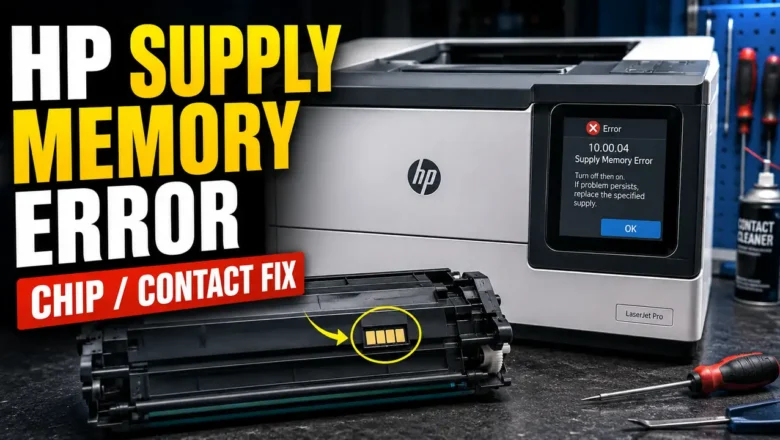
Refilling an HP laser toner hopper restores the physical toner supply, but the printer still relies on the cartridge identification chip to track page counts, toner status, and regional compatibility. When a refilled cartridge continues to trigger "Cartridge Depleted," "Replace Toner," or a flashing supply light, performing a Zhono Progeasy HP Chip Reset can restore supported OEM or compatible aftermarket chips to a ready state without replacing the circuit board on every cycle.
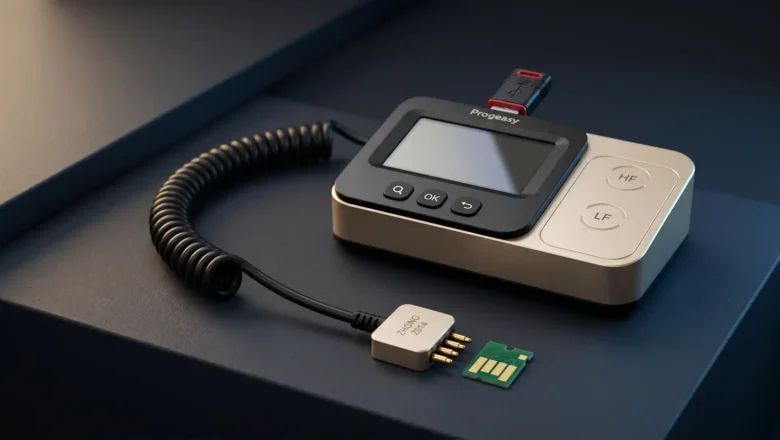
Success depends on two factors: confirming that your specific HP chip generation is supported by your Progeasy hardware database, and matching the physical circuit board layout to the correct software profile before writing data.
Hardware Scope and Supported HP Cartridge Profiles
Guangzhou Zhono Microelectroni...